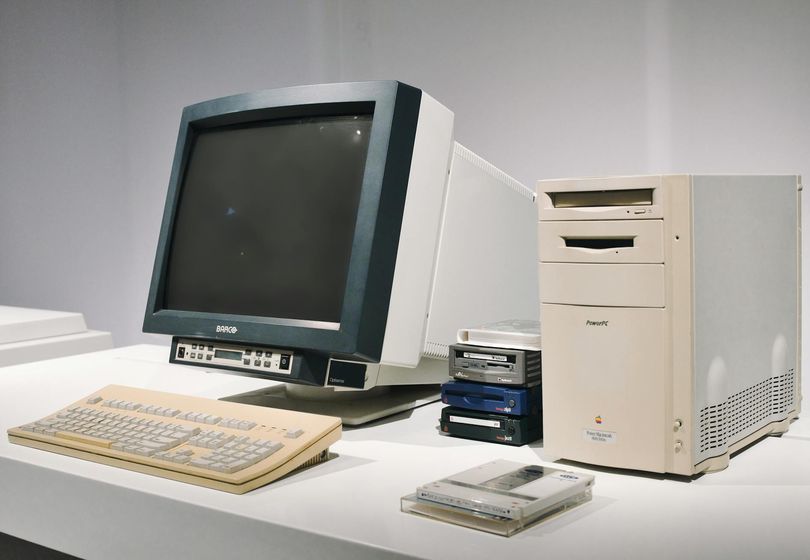
If you have been using your old computer for a while now, you might have noticed that it's not running as smoothly as it used to. Opening programs takes longer, system lag becomes more prevalent, and overall performance is just not up to par. Before you think about shelling out a lot of money for an expensive upgrade, there are several things you can do to speed up your old computer without breaking the bank.
First and foremost, cleaning up your computer can make a significant difference in its speed and performance. Start by removing any unused programs or applications that are taking up valuable space on your hard drive. By freeing up storage, you can help your computer run more efficiently. Additionally, deleting temporary files and clearing your browser cache can also contribute to a faster computer.
Another important step in speeding up an old computer is optimizing its performance through various techniques. One effective way to do this is by running a disk cleanup and defragmentation. Disk cleanup helps remove unnecessary files, while defragmentation organizes data on your hard drive for quicker access. These simple steps can go a long way in improving overall system speed and reducing lag.
To further boost your computer's performance, consider adjusting your system settings. Disable unnecessary startup programs that are eating up valuable resources and slowing down your computer. You can do this by accessing the Task Manager and disabling startup items that are not essential for your computer to function properly. Additionally, adjusting your power settings to prioritize performance over energy saving can help improve speed.
Regular computer maintenance is key to keeping your old PC running smoothly. Make sure to install software updates and security patches to keep your system optimized and secure. Running regular antivirus scans can also help in detecting and removing any malware that might be causing performance issues. By staying on top of maintenance tasks, you can ensure that your computer continues to run at its best.
If you're looking to optimize your old PC on a budget, consider upgrading your hardware components. Adding more RAM can significantly improve your computer's speed and multitasking capabilities. You can also replace your old hard drive with a solid-state drive (SSD) for faster boot times and improved overall performance. These upgrades can breathe new life into your old computer without breaking the bank.
In conclusion, there are several ways to speed up an old computer without having to invest in an expensive upgrade. By cleaning up your system, optimizing performance, adjusting settings, performing regular maintenance, and considering cost-effective hardware upgrades, you can improve your old computer's speed and performance significantly. With these PC optimization tips, you can enjoy a faster and more efficient computing experience without spending a fortune.